 Language
 arabic

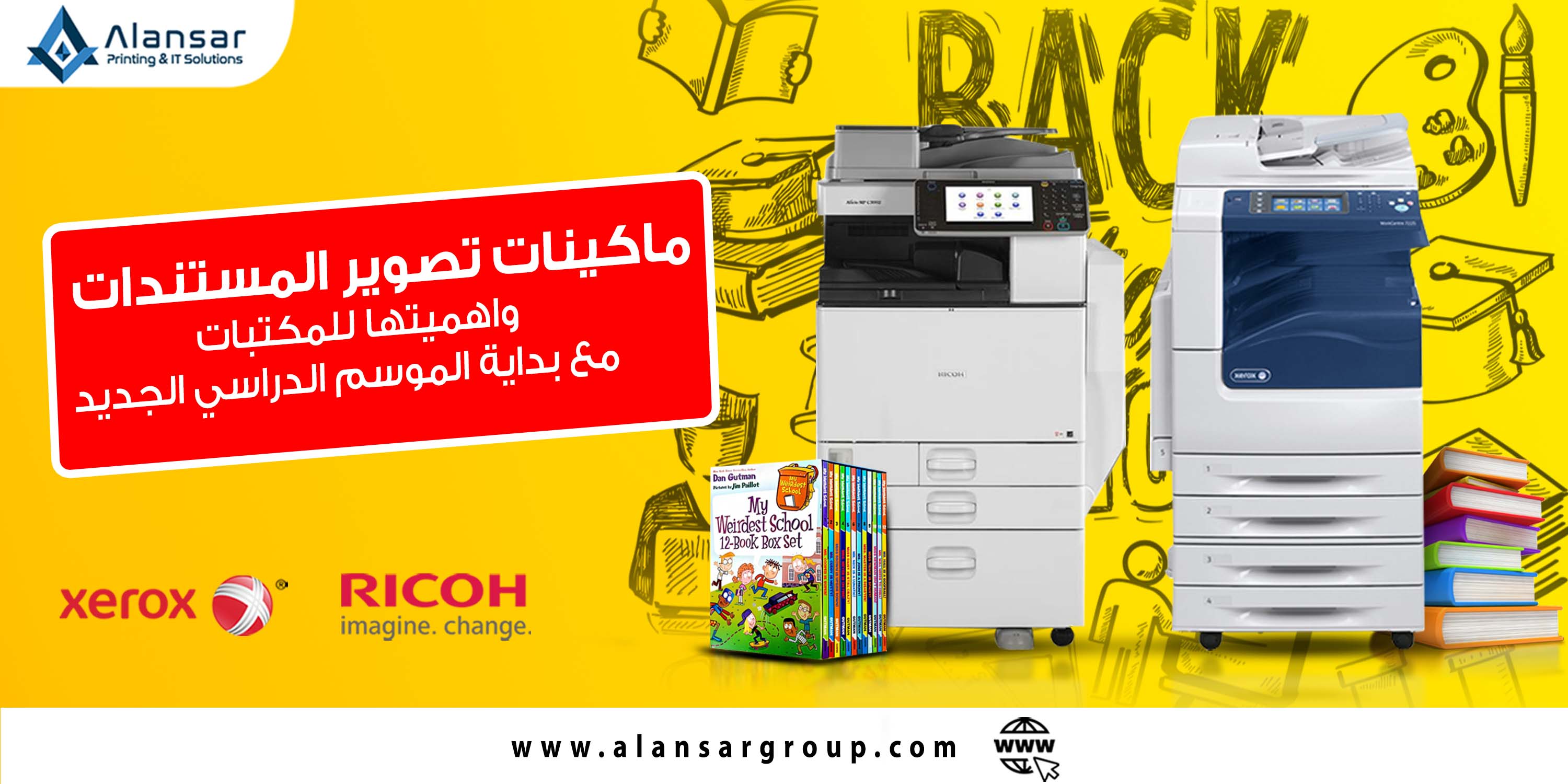
importance for photocopiers, whether black and white or color , for any library, educational center, or school . In this article, we will highlight the importance of black and white and color photocopiers for libraries only.
Here are some reasons why black and white and color photocopiers are important in libraries :
Meeting the needs of students and researchers: Students and researchers depend on the availability of copies of educational and research materials. Copier machines provide a quick and efficient way to provide copies of books, articles, and other study materials that students need .
copy preservation : The library may need to provide copies of valuable books and materials, in order to preserve the originals and avoid damage or loss. Document photocopying allows backup copies to be created and used in place of originals for loan and public use .
Facilitating access and distribution: Photocopiers can be used to create copies of materials and easily distribute them among students and researchers. Access to the most requested materials can be provided and distributed in different places in the library to meet the needs of users .
Enhancing learning and research: Thanks to photocopiers, students and researchers can create copies of important study and research materials to continue their studies and research. This enhances opportunities for learning and innovation and contributes to the development of knowledge .
Quality and flexibility: Black and white and color copiers offer excellent copy quality, ensuring clarity of text and images. In addition, modern machines provide the ability to photocopy and print documents in distinct colors, which contributes to improving the attractiveness of materials and presentations .
With the school season approaching, the demand for photocopying services is on the rise. Therefore, libraries must ensure the availability of high-quality, high-speed photocopiers to meet the needs of students and researchers. Attention should also be paid to maintaining the machines on a regular basis and providing the ink and paper necessary for smooth and sustainable operation .
When choosing photocopiers, they should match the library's requirements and expected workload. Things to consider could be speed, image quality, paper capacity, duplex capability, color accuracy (if color printing is needed), and integration with the library's network systems .
In general, investing in quality photocopiers with appropriate features contributes to enhancing library efficiency and improving user experience, especially during a period such as near the school season .
black and white or color photocopier for your library, you must take into consideration several factors to ensure that it meets your needs. Here are some tips that can help you choose the right photocopier :
Determine needs: Before you start looking for a photocopier, determine the needs of your library. What is the expected workload? Do you need a black and white only machine or do you also need color printing capabilities? What size of paper will you mainly use? Determining these factors will help you in determining the appropriate specifications for the machine .
Speed and efficiency: You should consider the speed of the machine and its ability to process a large number of pages in a short time. Choose a copier that matches the workload expected in the library to ensure smooth and efficient operation .
Image quality: Make sure the machine provides high image quality for documents. Text, images and graphics must be clear and easy to read and understand .
Ability to print in color: If you need to print documents in color, choose a copier that offers this feature. Color printing can be useful for creating attractive presentation materials and presentations for students and researchers.
Note: If you want to print black and white documents on a color copier, the printing cost will be higher than copying them on a copier designed to copy and print black and white documents.
Paper Capacity: Make sure the machine can accommodate the different sizes and types of paper you need. Sometimes you may need to print on A3 paper instead of A4 , so make sure your machine is capable of this .
Connectivity and Compatibility: Check that the machine can connect to the library's computer network. You may need to share the machine between different users or print directly from external devices. Ensure that the machine is compatible with the operating systems and networks used in your library .
General view : There are some well-known brands in the photocopier market such as Canon, Xerox, Ricoh, and Sharp . You can research the different models offered by these companies and compare specifications and features to determine which one best suits your needs .
When reading reviews and ratings, make sure they are reliable and come from reliable sources. You can also consult technology or printing professionals for additional advice and guidance on appropriate options .
Finally, before purchasing the machine, research the quotes, warranties, and maintenance services offered by the seller. There may be special deals or promotions that help you save money or get additional services .
Al-Ansar Company will help you recommend a photocopier machine, whether black and white or color, suitable for your needs, with an integrated marketing team, after-sales services such as inks, spare parts, and a maintenance team that meets your needs at any time.
Here are some black and white photocopier recommendations for your library:
A3 black and white photocopier, there are some models provided by both Xerox and Ricoh,
such as: Model 57 from Xerox, with all speeds from 35 pages per minute to 90 pages per minute.
Xerox WorkCentre 5735
Black and white photocopier with a speed of 35 pages per minute
https://www.alansargroup.com/Product/Xerox-WorkCentre-5735/75
Xerox WorkCentre 5740
Black and white photocopier with a speed of 40 pages per minute
https://www.alansargroup.com/Product/Xerox-WorkCentre-5740/76
Xerox WorkCentre 5745
Black and white photocopier with a speed of 45 pages per minute
https://www.alansargroup.com/Product/Xerox-WorkCentre-5745/77
Xerox WorkCentre 5755
Black and white photocopier with a speed of 55 pages per minute
https://www.alansargroup.com/Product/Xerox-WorkCentre-5755/78
Xerox WorkCentre 5765
Black and white photocopier with a speed of 65 pages per minute
https://www.alansargroup.com/Product/Xerox-WorkCentre-5765/79
Xerox WorkCentre 5775
Black and white photocopier with a speed of 75 pages per minute
https://www.alansargroup.com/Product/Xerox-WorkCentre-5775/80
Xerox WorkCentre 5790
Black and white photocopier with a speed of 90 pages per minute
https://www.alansargroup.com/Product/Xerox-WorkCentre-5790/81
There are some small places that will help you with small tasks and reduce the burden on large black and white photocopiers.
Those small tasks are printing and photocopying on A4 paper only
. The Ricoh MP 161 black and white photocopier will be the most suitable choice for you, as it is the smallest and cheapest A4 black and white photocopier in the world . Egyptian market
Ricoh MP 161 is the smallest and cheapest
A4 black and white photocopier with a speed of 16 pages per minute
https://www.alansargroup.com/Product/Ricoh-Aficio-MP-161/11
There are higher models such as Ricoh MP 171 and Ricoh MP 201
Ricoh MP171
A4 black and white photocopier with a speed of 17 pages per minute
https://www.alansargroup.com/Product/Ricoh-Aficio-MP-171/12
Ricoh MP 201
A4 black and white photocopier at 20 pages per minute
https://www.alansargroup.com/Product/Ricoh-Aficio-MP-201/13
A4 black and white documents, with different speeds and monthly shooting volume.
Here are some color copier recommendations for your library:
A3 color copier, there are some models provided by both Xerox and Ricoh.
For example: Model 7 8 from Xerox at all speeds from 30 ppm to 55 ppm
Xerox WorkCentre 7830
color copier with speed of 30 pages per minute
https://www.alansargroup.com/Product/Xerox-WorkCentre-7830/136
Xerox WorkCentre 7835
Color photocopier with a speed of 35 pages per minute
https://www.alansargroup.com/Product/Xerox-WorkCentre-7835/137
Xerox WorkCentre 7845,
color copier with a speed of 45 pages per minute
https://www.alansargroup.com/Product/Xerox-WorkCentre-7845/138
Xerox WorkCentre 7855,
color copier with a speed of 55 pages per minute
https://www.alansargroup.com/Product/Xerox-WorkCentre-7855/139
large color photocopiers
And those small jobs are printing and photocopying on A4 paper only
Ricoh MP C300 color copier It will be the most appropriate choice for you , as it is the smallest and cheapest A4 color copier in the Egyptian market
Ricoh MP C300
is the smallest and cheapest machine for copying and printing A4 color documents at a speed of 30 pages per minute
https://www.alansargroup.com/Product/Ricoh-MP-C300/87
There is also a printing machine only without imaging, such as the Ricoh C430
Ricoh C430 is the smallest and cheapest
A4 color document printing machine at a speed of 30 pages per minute
https://www.alansargroup.com/Product/Ricoh-C430-Color-laser-Printer/95
black and white or color photocopier is of great importance for your library, especially with the approaching of the new school season. Inquire about our offers at Al Ansar Company for black, white and color photocopiers .